Basketball Video Analyzer vs Inbound Studio
These two tools are more alike than most comparisons on this site. Both run on your own computer, both keep your film local, and both are built for cutting and tagging basketball game footage. Inbound Studio is a paid product; this one is free and open source. So the honest question is what the subscription buys you, and whether you need it.
What Inbound Studio is
Inbound Studio is professional-grade basketball analysis software for Mac and Windows, starting at €14.99/month. It runs on your laptop with a local offline database, and its pitch is putting elite scouting tools within reach of ordinary clubs. The workflow centers on a customizable tagging button panel, multiple games per project, and fast clip cutting. For clubs and academies it adds an admin panel, multi-device support, and team license packs. If you run a program and need several coaches tagging across devices under one license, that management layer is a real thing you'd be paying for, and it's worth the money.
What this tool is
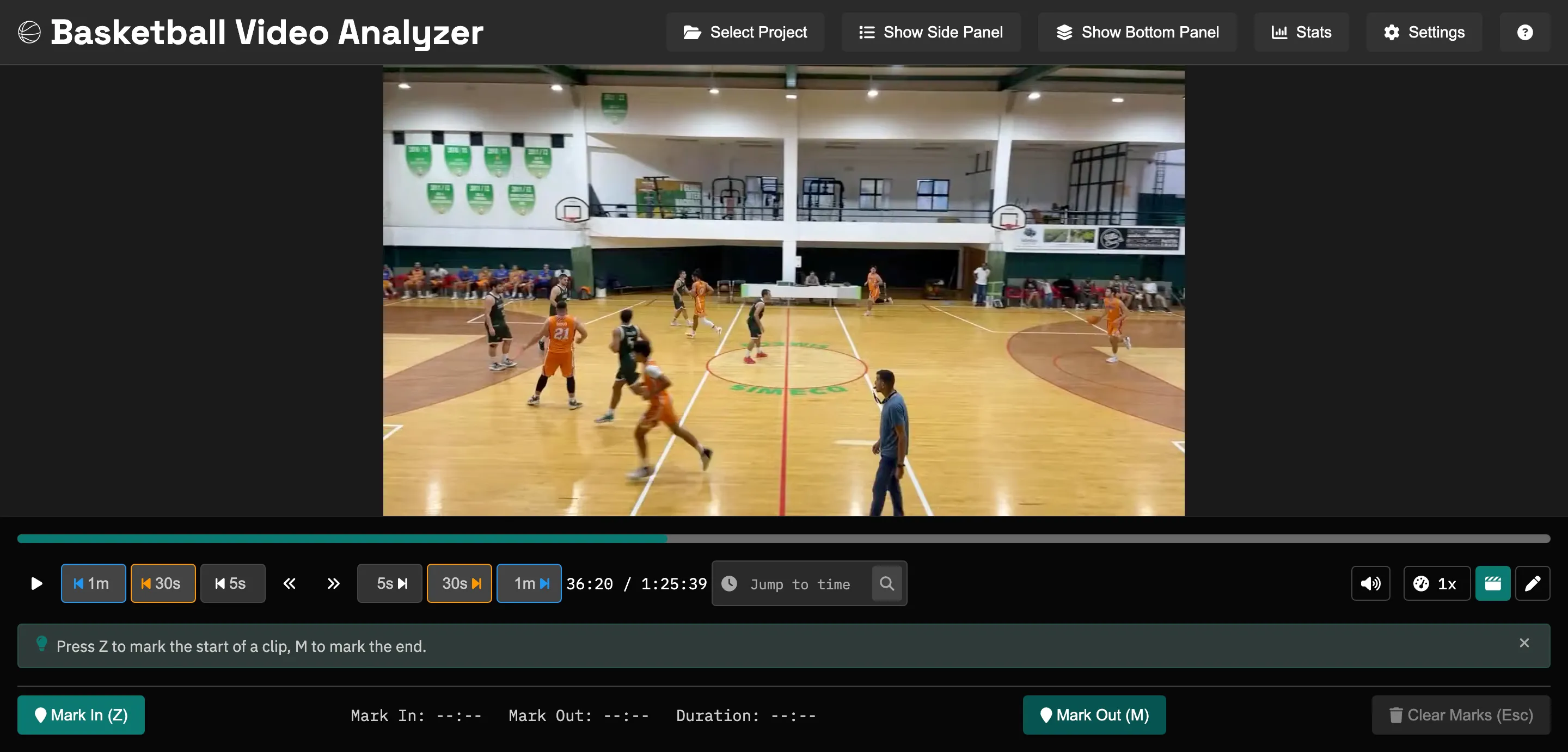
Basketball Video Analyzer does the same core loop for free: load your game file, mark clips with keyboard shortcuts, tag them into categories and by player, and export organized folders. On top of that it draws on the film (arrows, shapes, and text you can burn into exported clips), plays clips back fullscreen in a present mode, charts shots on a court, shows a stats dashboard, and ships in 11 languages. It runs on Windows, macOS, and Linux, the film never leaves your machine, and the source is public under the AGPL.
| Basketball Video Analyzer | Inbound Studio | |
|---|---|---|
| Price | Free | From €14.99/month |
| Cut & tag clips by category | Yes | Yes |
| Runs on your computer, film stays local | Yes | Yes |
| Platforms | Windows, macOS, Linux | Windows, macOS |
| Drawing on film (telestration) | Yes | Check their feature list |
| Shot chart & stats | Yes | Check their feature list |
| Club admin panel & multi-device | No | Yes |
| Open source | Yes (AGPL) | No |
Inbound Studio pricing and features checked July 2026 from their website. A couple of rows say "check their feature list" where I couldn't confirm the current state from the outside, and I'd rather say that than guess.
Which one fits you
If you're a coach breaking down your own film, cutting and tagging clips, drawing up plays, and showing them back, this tool covers that and costs nothing. If you're running a club or academy with several coaches who need to tag across devices under managed licenses with an admin panel, that's what Inbound Studio sells, and paying for it is a reasonable call. Try the free one first. If you hit a wall that only the management layer solves, you'll know exactly what you're buying.
Try it free
Free and open source, on Windows, macOS, and Linux. Worth a download to see if it covers what you need before you pay for anything.