Scout an opponent from their own film
A scout is easier for a team to take in when you can show it. "They run a lot of horns" means more once they've watched five possessions of it. You can put that together straight from an opponent's game tape.
Set up the categories first
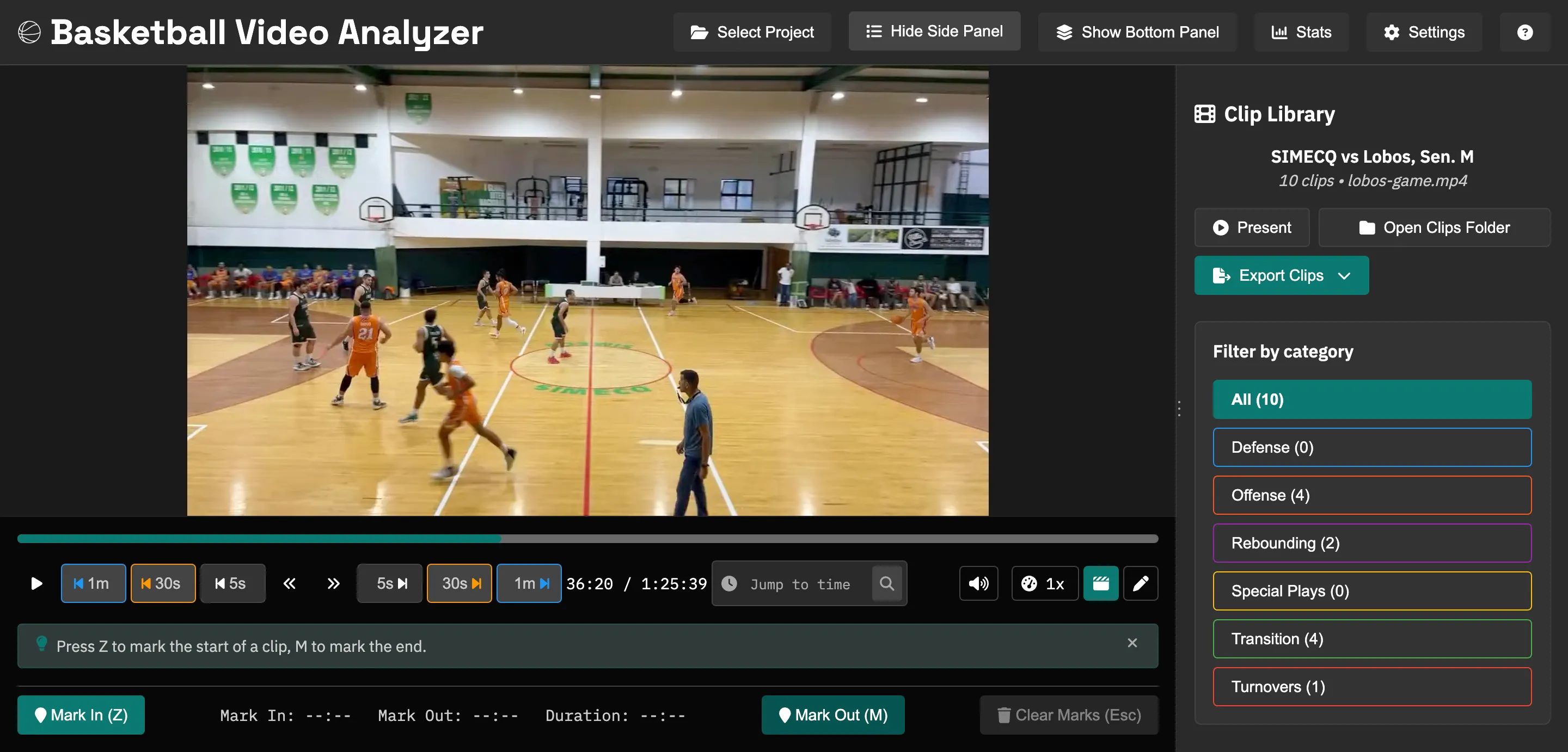
Before you watch, turn the questions you need answered into categories: their go-to sets, after-timeout plays, out-of-bounds plays, how they break a press, what they do on the last shot of a quarter. Once those exist, watching the tape is mostly dropping each possession into the right one.
Clip their tendencies
A lot of what's useful is in the things they repeat. Tag their best scorer's go-to move, which way a particular guard drives, who they go after in switches, when they crash the offensive glass and when they get back. A single clip doesn't show much, but once you've tagged ten possessions of the same tendency you have something concrete to plan around.
Pull from more than one game
One game can be misleading. A team gets hot, or a set works once and you never see it again. If you can get two or three of their games, clip all of them into the same categories. The tendencies that show up across every game are the ones worth preparing for.
Export a scout folder for the staff
Export the categories as folders and you have a scouting package you can share: "Horns", "Their press", "ATOs", ready to walk through with the staff or show players the day before. It pairs with a written report, since the clips back up what you wrote. Everything stays on your machine, so you're not uploading an opponent's film anywhere.
Build your next scout
Free and open source, on Windows, macOS, and Linux. No account, and no limit on how much you clip.