Free basketball video analysis tool, built by a coach.
I got tired of scrubbing through game tapes in VLC, so I built this. Mark plays, organize clips, export folders. That's it.
Windows, macOS, and Linux · Free & open source
The app
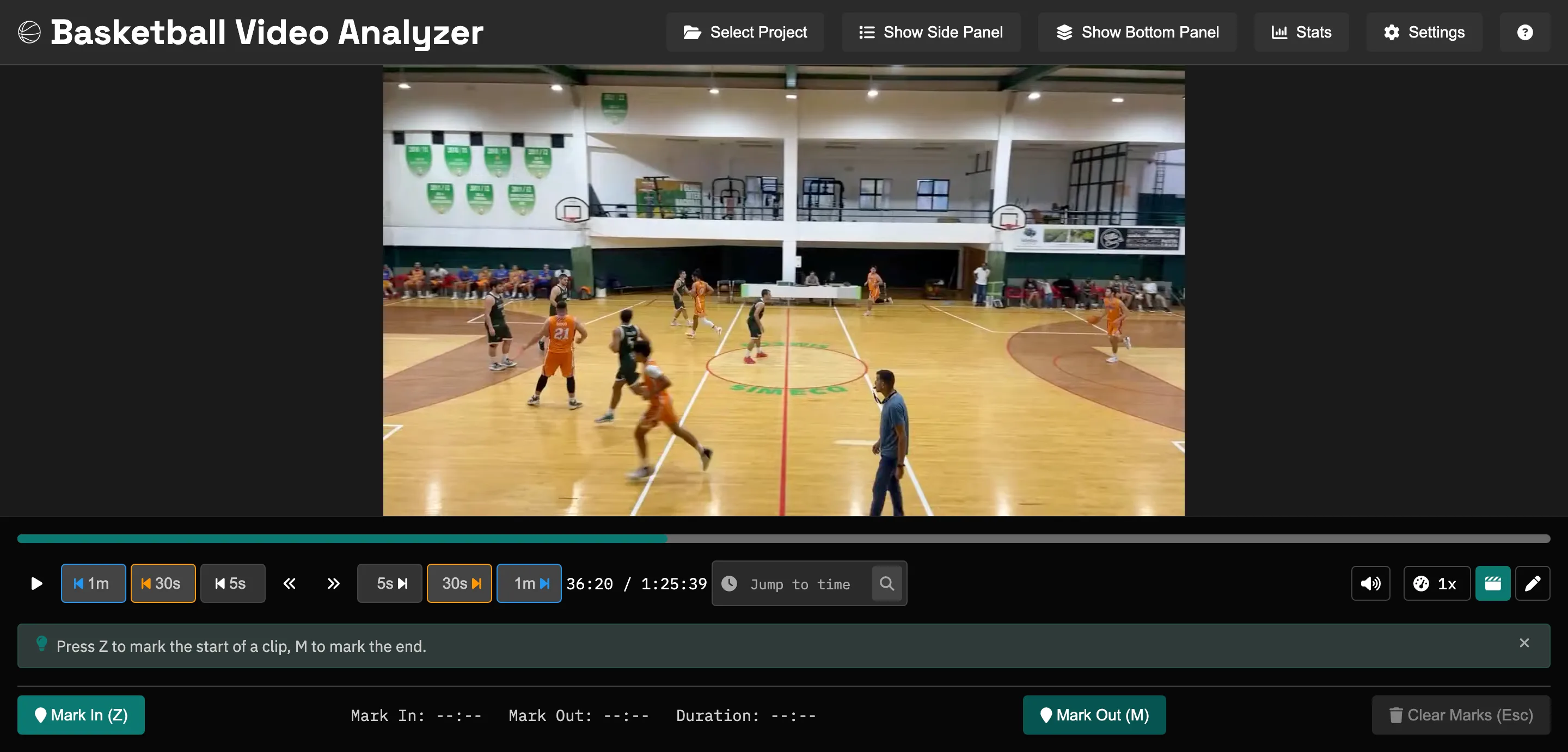
The video pane, the scrub bar, and the marking controls. Z marks the start of a clip, M marks the end.
Mark clips with keyboard shortcuts
Z marks the start, M marks the end, Space plays. Arrow keys step one frame.
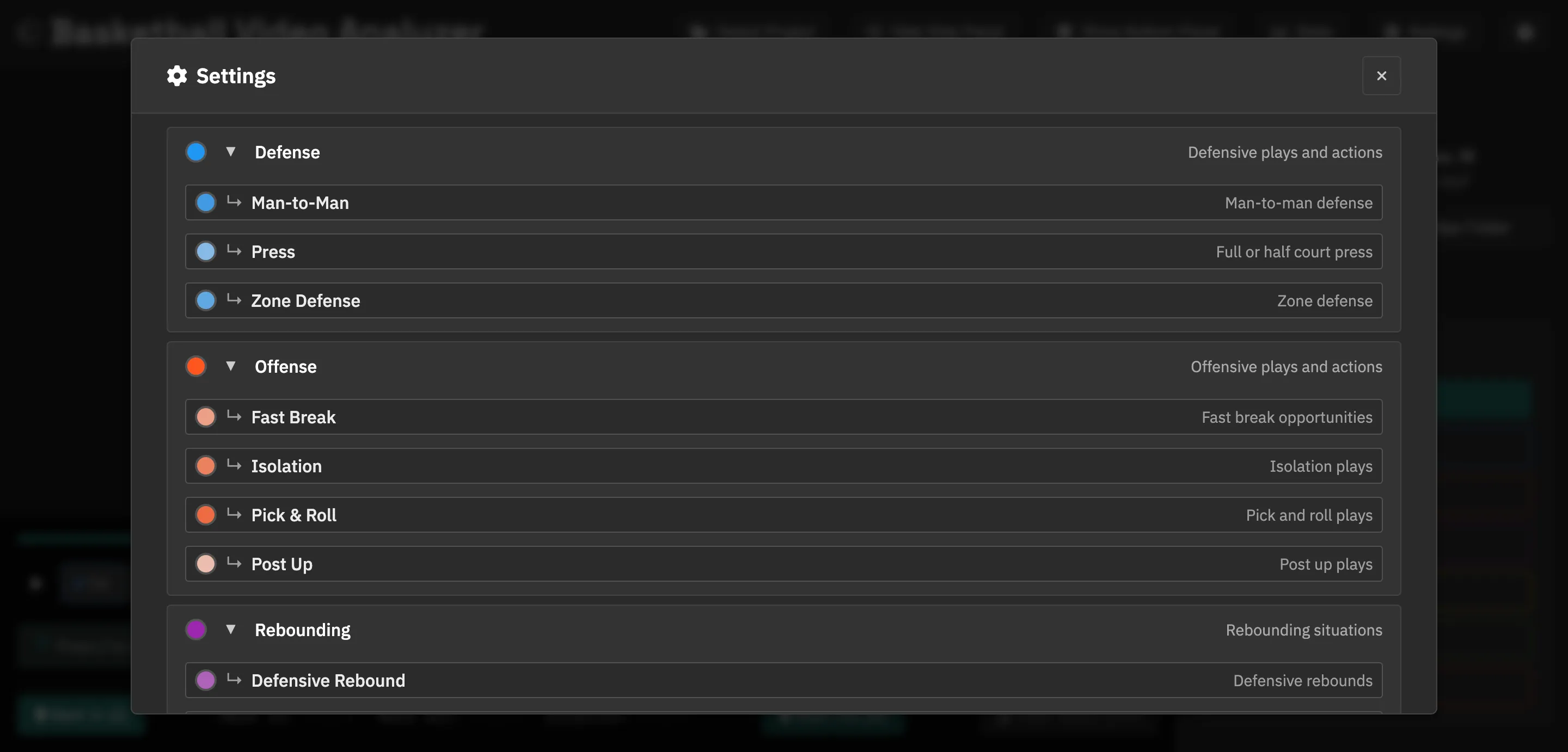
Organize with hierarchical categories
Nest subcategories under a parent: Pick & Roll and Isolation both live under Offense.
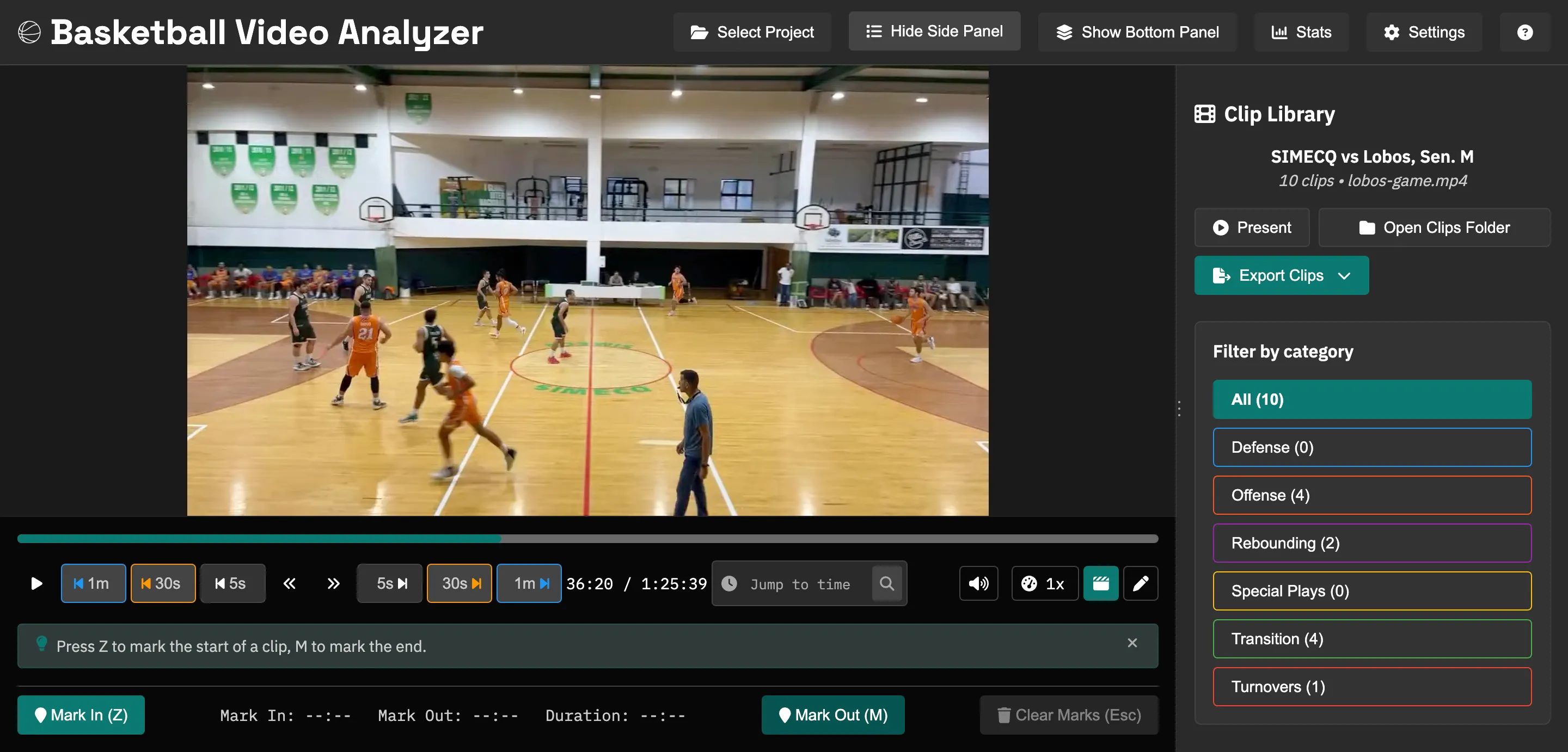
Export organized clip folders
One click exports all your clips into category-based folders. Ready to share with staff or players.
How it works
- 1
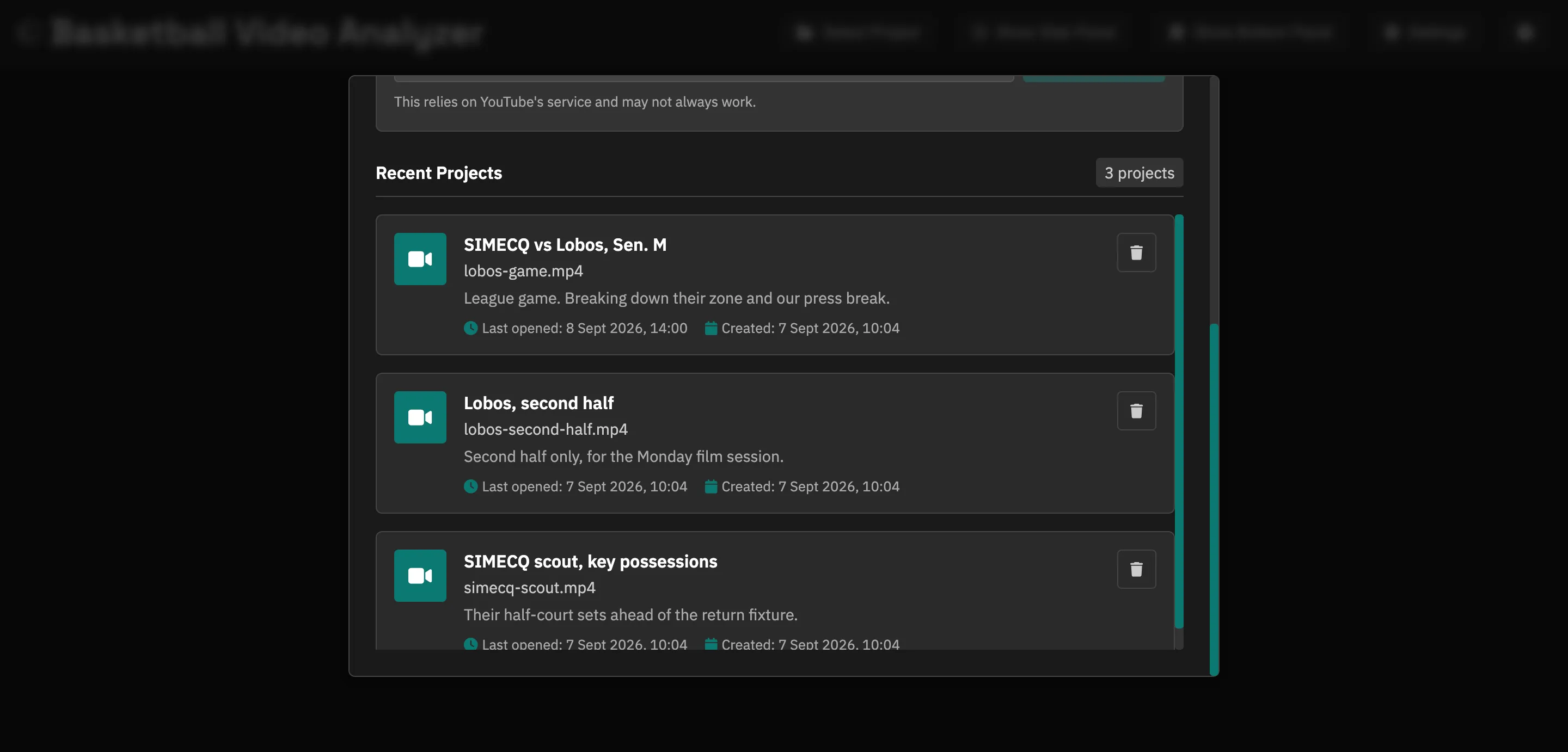
Load your game tape
Drag in any video file. Create a project for each game, opponent, or practice session so everything stays organized from the start.
- 2
Mark the plays that matter
Use keyboard shortcuts to set in/out points as you watch. Tag each clip with categories: pick-and-roll, fast break, zone defense, whatever fits your system.
- 3
Export and share with your team
Export your clip library as organized folders: one folder per category, clips named clearly. Drop them in Google Drive, hand them to an assistant, or play them in the film room.
Play them back in front of the team
Filter to the clips you want and hit Present. They run back to back, full screen, with the clip title and a counter in the corner so you know how many are left. No dragging files into a separate player ten minutes before practice.
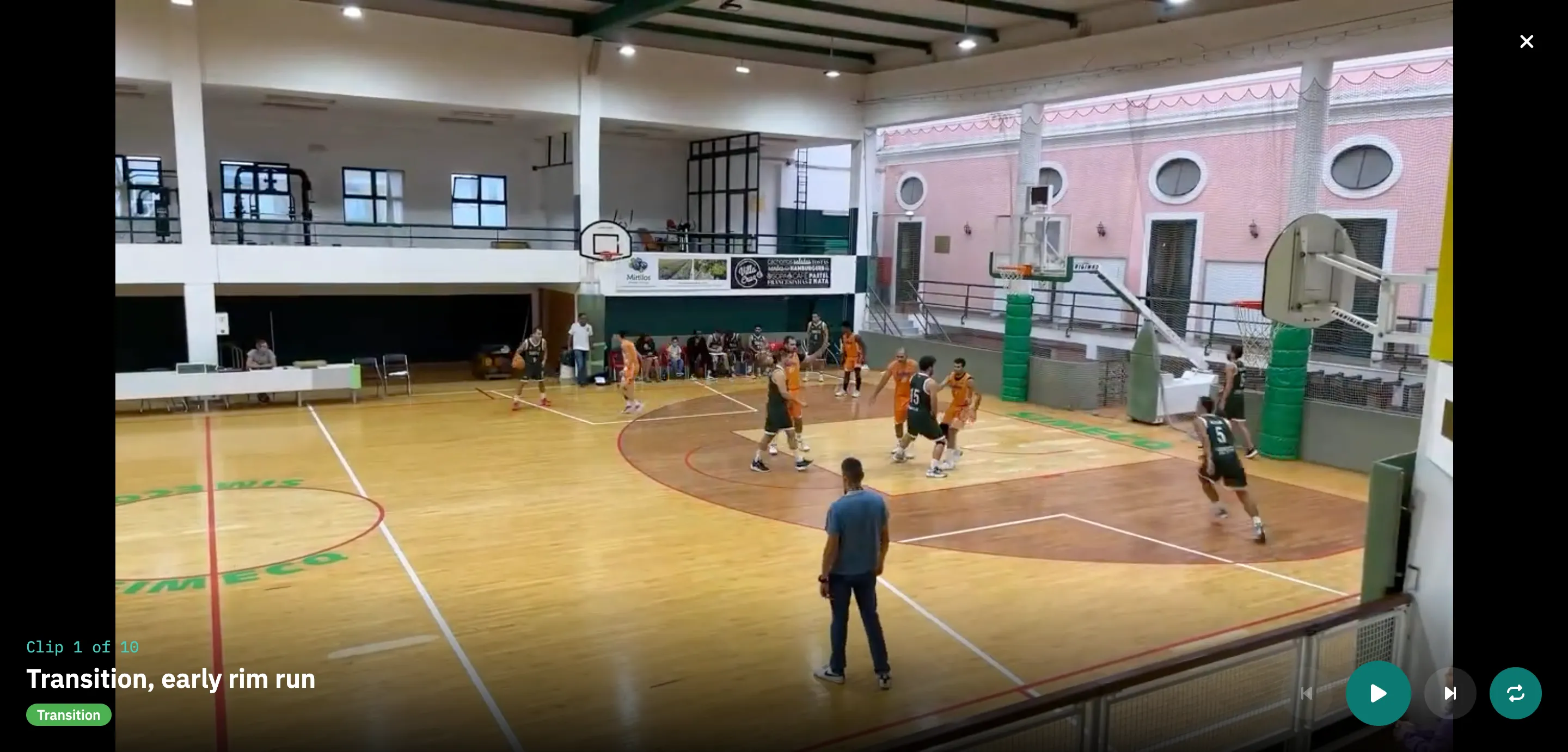
Okay, a few more things.
The loop is still cut, tag, export. These just make the film room easier.
Pause the video and draw over the frame, and the markup travels with the exported clip. Tag who is in each clip and a season filters down to one player. The stats tab counts what you have charted, by category and by quarter.
Now in 11 languages, including Spanish, French, German, Italian, Turkish, and Greek.
Coaching guides
Longer pieces on the parts that take practice rather than software.
- How to break down game film Three passes through a game: load it, mark the plays, export the folders.
- Film review for coaches A weekly rhythm that fits in one sitting.
- Scouting opponents from film Read a team's tendencies off their own tape, across more than one game.
- A free alternative to Hudl What Hudl does that this doesn't, and what this does.
- Compared with Inbound Studio The closest comparison here. Both run locally; one is €14.99 a month.
- Hudl alternatives for basketball Five tools compared, including doing it by hand in VLC.
Free forever. Open source.
The film never leaves your laptop.
No subscriptions, no feature gates, no data collection. Just a tool that does what it says. If you find a bug or want a feature, open an issue on GitHub.
Windows, macOS, and Linux · 1.12.0